VISUALISE AND ANIMATE

KeyShot for photorealistic renderings and animations

  • From 3D model to realistic product presentation
  • Animations and Virtual Reality
  • User-friendly and fast

Impressions of your design before the first production

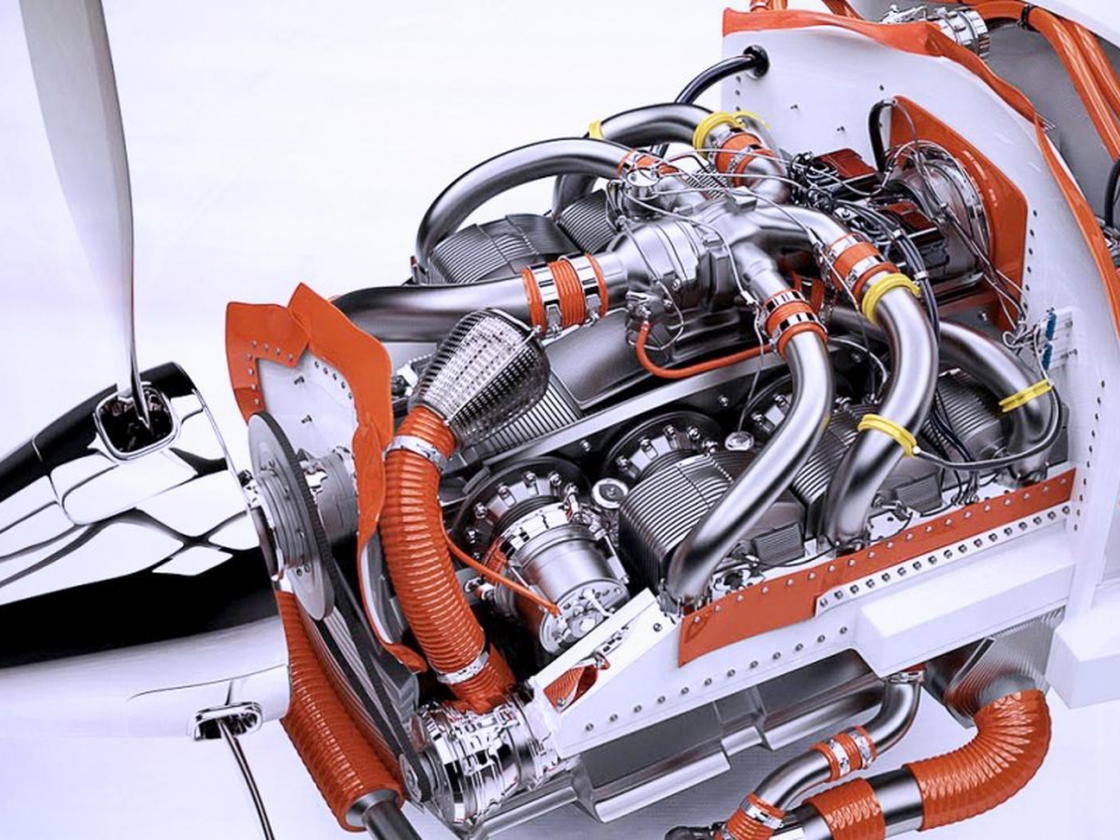
Even before your product is finished, you often need an impression of how the new product or the customer-specific solution will look. Material and colour choices have a significant impact on how a customer perceives your products and your company. With KeyShot's rendering tools, you can easily create photorealistic images from your 3D CAD data.

From 3D model to photorealistic image

Keyshot is a fast and easy-to-use rendering software that breaks the complexity of creating photorealistic images. Thanks to the simple user interface, even your marketing and sales departments can start creating renderings from an existing 3D CAD model. Keyshot is easy to use, simple to learn and in no time you achieve amazing results. With the PTC Creo plugin, you can create impressive images of your 3D model in just a few simple steps.

Visualise faster and smarter with KeyShot

Image
Icoon - gebruiksvriendelijk

User-friendly and intuitive

Even without experience in 3D rendering, you can quickly create realistic images: import your model, drag materials onto it, set the lighting and you're done.

Image
Icoon - snelheid

Ultra-fast rendering

Thanks to the powerful rendering engine, you can create stunning visualisations in no time, ideal for quick iterations and tight deadlines.

Image
Icoon - fotorealistisch

Photorealistic quality

KeyShot delivers sharp, realistic images time and again, perfectly suited for product development, marketing or sales.

Image
Icoon - besluitvorming

Faster decisions

Speed up feedback rounds and optimise your design process with direct visual results that simplify discussions with stakeholders.

In 3 steps to a photorealistic result

  1. Import your model: Simply load your 3D CAD model into KeyShot and see it come to life instantly thanks to real-time visualization.
  2. Choose materials and lighting: Drag materials from the extensive library onto your model and set the appropriate lighting, all intuitively and hassle-free.
  3. Generate realistic renders: Create stunning, photorealistic images of your design ready for presentation, marketing or evaluation.

More than just rendering: the 3 core components of KeyShot

KeyShot is the standard for 3D rendering and animation in the manufacturing industry. But the platform offers more than just photorealistic images. Thanks to three powerful tools, KeyShot Studio, KeyShot VR and KeyShot Web, you can elevate visual communication in engineering, sales, marketing and service to a higher level.

Keyshot Studio

  • Intuitive interface for simple visualisations
  • Live linking with CAD
  • Real-time rendering on both CPU and GPU
  • Extensive library with accurate materials

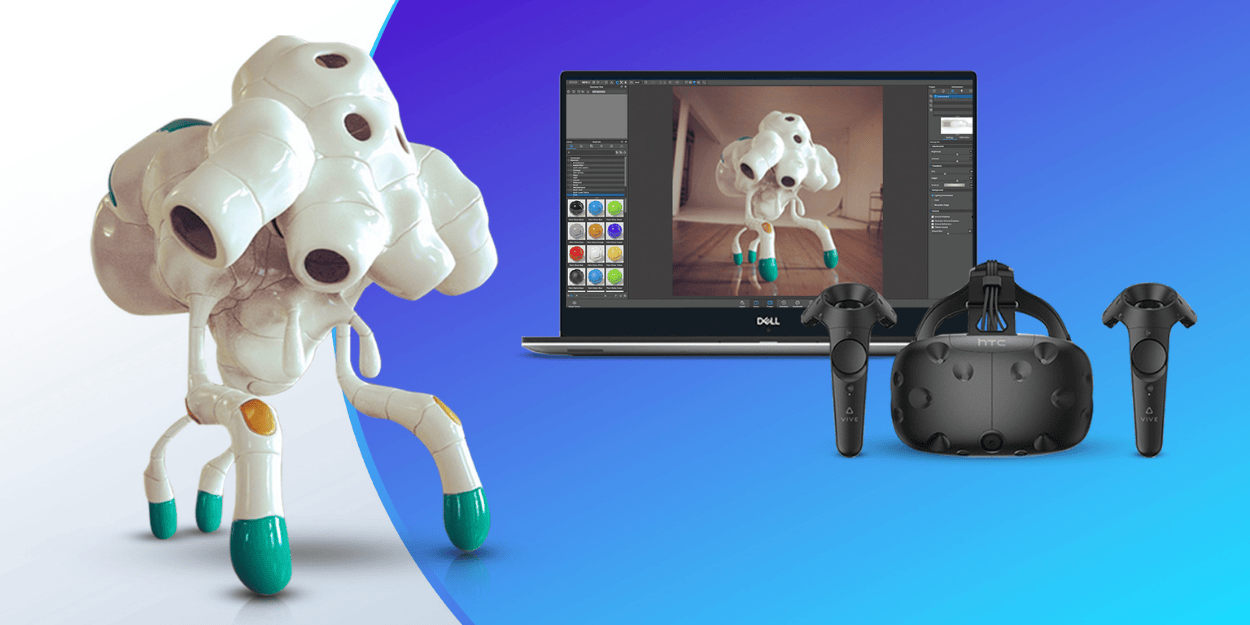
KeyShot Studio VR

  • From 3D scene to VR in one click
  • Speed up your decision-making process
  • Explore design variants in an interactive environment
  • Ideal for collaboration between design, sales and marketing

KeyShot Studio Web

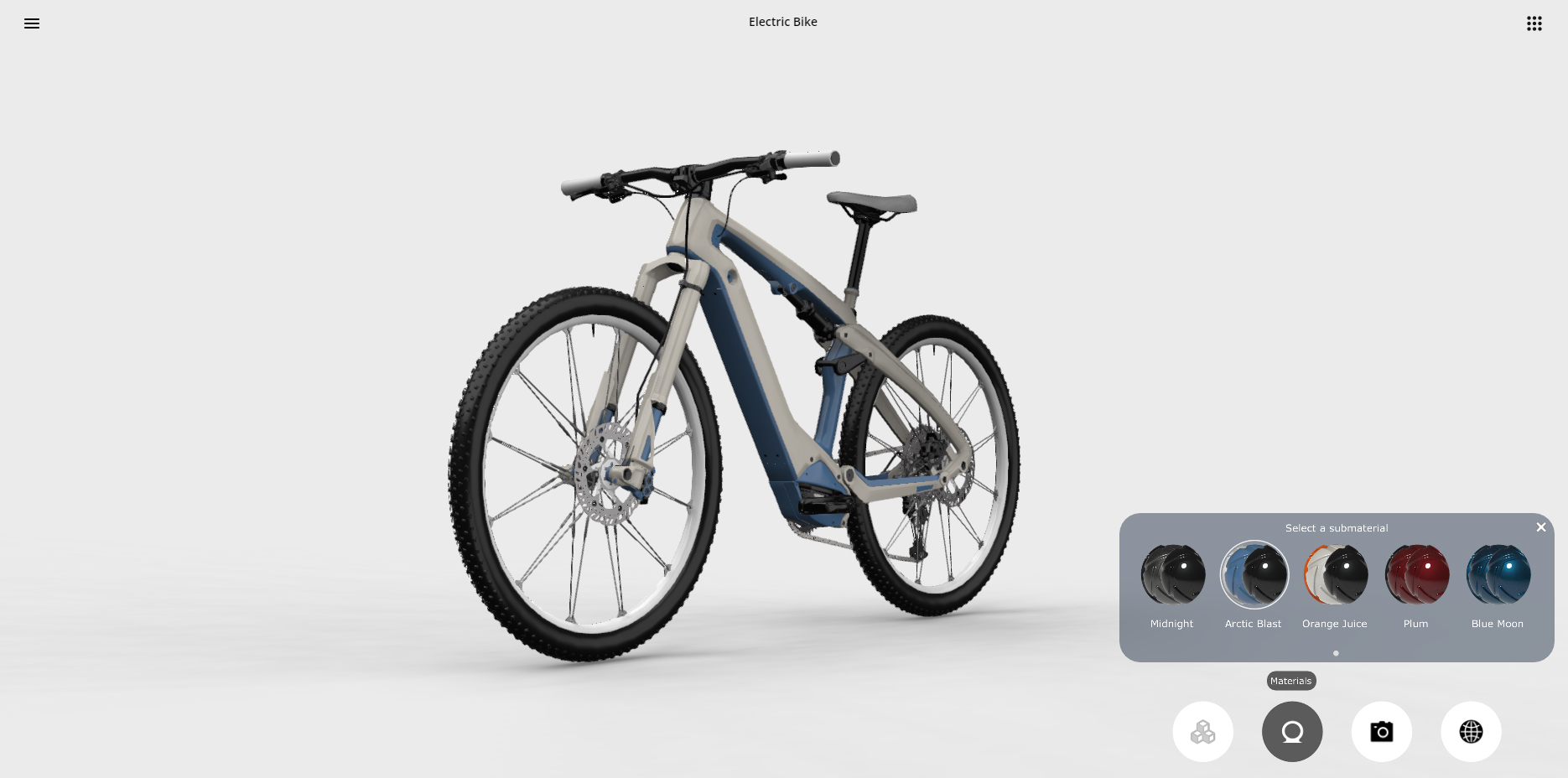
  • KeyShotXR for 360° interaction with your product
  • Web configurator in the browser
  • Web Viewer to share scenes
  • Perfect for presentations, evaluations and POS marketing

Do you want to get the most out of KeyShot?

Do you already have KeyShot and want to get started quickly? Then take part in the KeyShot 2024 Photorealistic Image Renders course at the Savaco Academy. In this 2-day course, you will learn all the ins and outs of KeyShot: from importing and positioning models to refining and tweaking your renderings and applying styles.

Questions about Keyshot?

Do you want to create photorealistic renders faster and easier? Discover the power of KeyShot! Leave your details and we will gladly help you further.

Savaco - Engineering & Industry - contact